Embedding recordings
Any public or unlisted share can be embedded. The embed is a chrome-less player with the title, mode and a link back to the full explanation. Password-, email- and workspace-restricted shares never render inside an embed — visitors get a card that sends them to SceneRecap to sign in. Embedded plays count as views on the recording.
On a share page click Embed (bottom right) to copy the snippets below pre-filled with that recording. The examples here use the public demo share /s/demo — swap demo for your share's slug.
iframe
<iframe src="https://scenerecap.com/embed/demo" width="640" height="400" frameborder="0" allow="fullscreen; picture-in-picture" allowfullscreen loading="lazy" title="Checkout payment failure (402 → 500) — SceneRecap" style="max-width:100%;border-radius:12px"></iframe>The player fills whatever size you give the iframe; keep a 16:9 ratio plus 40px for the title bar (640×400, 800×490, …). The /embed/ route is the only SceneRecap page that allows framing.
oEmbed (auto-unfurl)
Share pages advertise an oEmbed endpoint, so platforms that support oEmbed discovery turn a pasted link into the player on their own — WordPress, Ghost, Medium, Discourse, Slack unfurls and many CMSs. Just paste https://scenerecap.com/s/<slug> on its own line.
GET https://scenerecap.com/api/oembed?url=https%3A%2F%2Fscenerecap.com%2Fs%2Fdemo&format=json
  &maxwidth=800&maxheight=600
{
"version": "1.0",
"type": "rich",
"provider_name": "SceneRecap",
"provider_url": "https://scenerecap.com/",
"title": "Checkout payment failure (402 → 500)",
"html": "<iframe src=\"https://scenerecap.com/embed/<slug>\" width=\"640\" height=\"400\" …></iframe>",
"width": 640,
"height": 400,
"thumbnail_url": "https://scenerecap.com/s/<slug>/opengraph-image",
"thumbnail_width": 1200,
"thumbnail_height": 630
}Only format=json is served (XML requests get a 501). Unknown or restricted shares return 404.
Notion, Confluence, Coda
Use the platform's Embed block and paste the share link (/s/<slug>) or the embed URL (/embed/<slug>). Notion renders both; Confluence's iframe macro wants the embed URL. Resize the block — the player adapts.
GitHub READMEs, issues and pull requests
GitHub strips iframes from Markdown. Use the badge, or link the poster image to the share page — both open the full explanation in a new tab:
[](https://scenerecap.com/s/demo?utm_source=badge&utm_medium=referral)[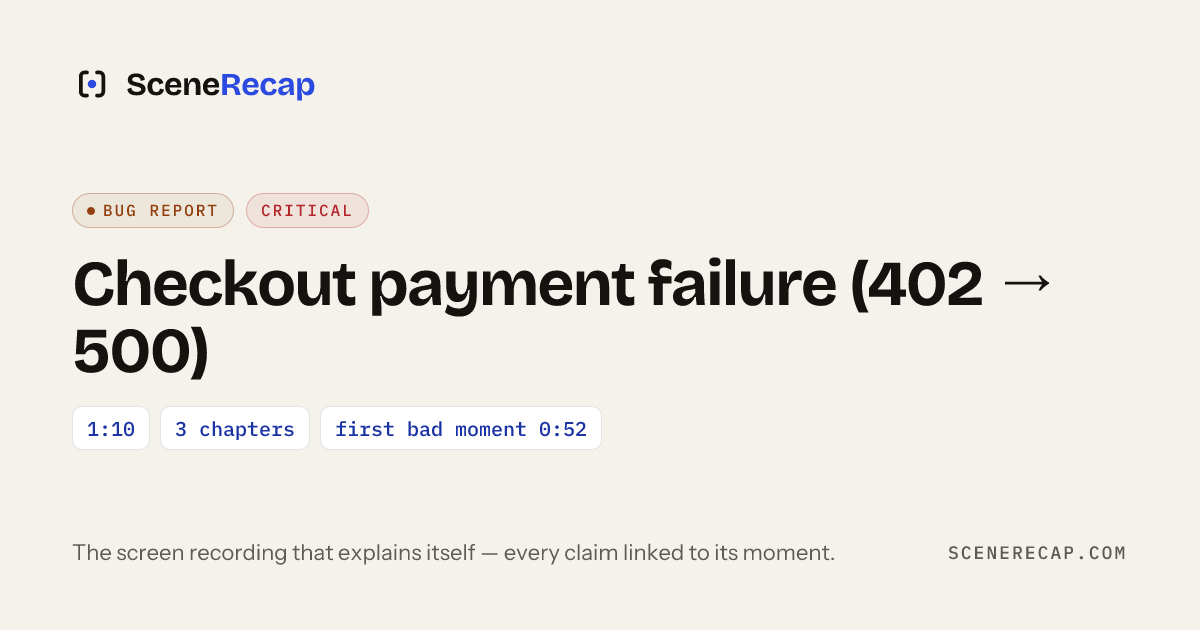](https://scenerecap.com/s/demo?utm_source=badge&utm_medium=referral) — the badge is a flat SVG served from
 https://scenerecap.com/badge.svg with long cache headers; it is fine to hot-link.
The same pattern works in Jira, Linear and GitLab descriptions. SceneRecap's one-click create issue integrations already insert the share link with the poster.
Privacy
The embed loads the same redacted MP4/HLS renditions as the share page and sends no cookies or identifiers to the host page. Revoking the share, changing its access level or deleting the recording breaks every embed immediately.